How to complete and upload the Little League Medical Form during the registration process:1. Click the link icon next to "Little League Medical Release Form".

2. The form will open in a new tab. Go to
https://www.littleleague.org/downloads/medical-release-form/ for a preview of the form; the link can also be found below.
3. Complete the form.
4. Save or print the form to your device or cloud storage.

OR

5. Click the plus icon next to "Little League Medical Release Form".

6. Drag or select the form to prepare it for upload.
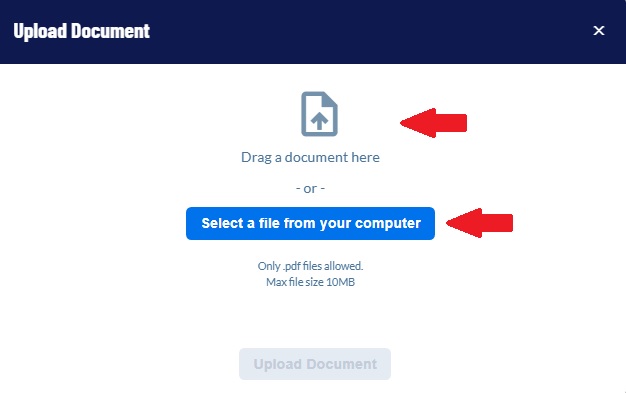
7. Select the "Upload Document" button to upload the form to the registration process.
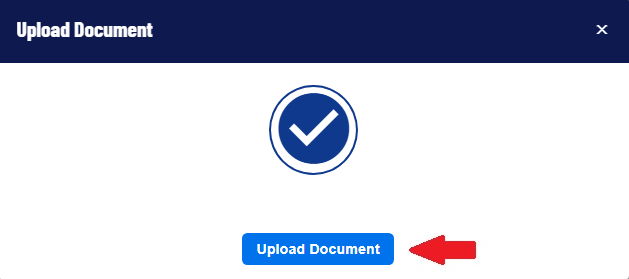
8. If successful, a document icon and the file name will appear in a small gray box to the right of the registration question.
